How to use the Split PDF
Split selected pages into separate PDF files. This 13-second video shows the real tool, step by step (no sound).
What the video shows
- Choose the PDF.
- Leave the page box empty to split every page, or type pages such as 1,3,5-7.
- Press Run tool and download the files (several pages come in one ZIP).
Free, no sign-up. Uploaded 2026-10-31, 13 seconds, MP4.
Good to know
Break a PDF into separate files: one file per page, or only the pages you list. The file is processed inside your browser, so it is never uploaded and nobody else sees it.
It runs in your browser: your files are processed on your own device and are not uploaded to Kitwise. Free, no sign-up; the free plan takes up to 40 files at a time and files up to 200 MB (500 MB for video and audio).
- How do I write page ranges?
- Use commas and dashes: 1,3,5-7 means pages 1, 3, 5, 6 and 7.
- I only want some pages in one new PDF.
- Use Extract PDF Pages instead: it puts the pages you choose into a single PDF.
- Does splitting reduce quality?
- No. Pages are copied without re-compressing.
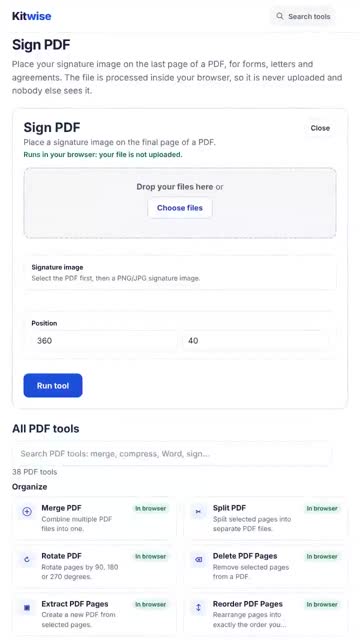 Sign PDF12 s
 Image Compressor13 s
 Compress Image to KB13 s
 Image Converter13 s
 Resize Image13 s
 Video to MP313 s