How to use the PDF to JPG
Render PDF pages to JPG images in a ZIP archive. This 12-second video shows the real tool, step by step (no sound).
What the video shows
- Choose the PDF.
- Press Run tool.
- Download the ZIP with one JPG per page.
Free, no sign-up. Uploaded 2026-10-31, 12 seconds, MP4.
Good to know
Turn every page of a PDF into a JPG picture, ready to post or attach where PDFs are not accepted. The file is processed inside your browser, so it is never uploaded and nobody else sees it.
It runs in your browser: your files are processed on your own device and are not uploaded to Kitwise. Free, no sign-up; the free plan takes up to 40 files at a time and files up to 200 MB (500 MB for video and audio).
- How do I open the ZIP on a phone?
- Most phones open ZIP files in the Files app; tap the ZIP and choose Extract.
- Need sharper images?
- Use PDF to PNG: PNG keeps text crisp.
 Split PDF13 s
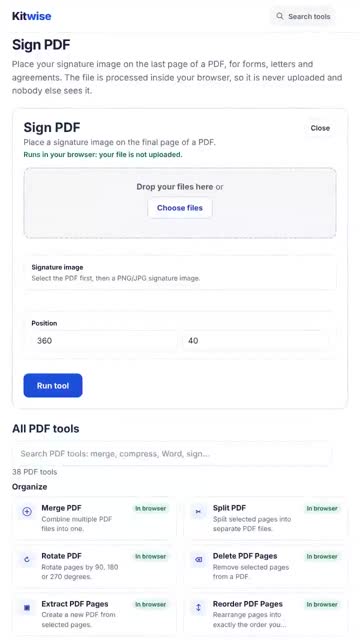 Sign PDF12 s
 Image Compressor13 s
 Compress Image to KB13 s
 Image Converter13 s
 Resize Image13 s