How to use the Photo Lab
Edit photos free in your browser: remove the background, crop, rotate, 15 filters, colour sliders, blur faces and number plates, draw, add text and stickers. This 29-second video shows the real tool, step by step (no sound).
What the video shows
- Press “Open photo” (or drag a picture onto the page).
- Fix the basics first: Crop & rotate, then Adjust (exposure, contrast, warmth).
- Try a Filter, or Remove bg for a cut-out or a new background.
- Hide private details with Blur / hide, then add Text or Stickers.
- Choose JPG (smaller) or PNG (keeps transparency) and press Download.
Free, no sign-up. Uploaded 2026-10-31, 29 seconds, MP4.
Good to know
It runs in your browser: your files are processed on your own device and are not uploaded to Kitwise. Free, no sign-up; the free plan takes up to 40 files at a time and files up to 200 MB (500 MB for video and audio).
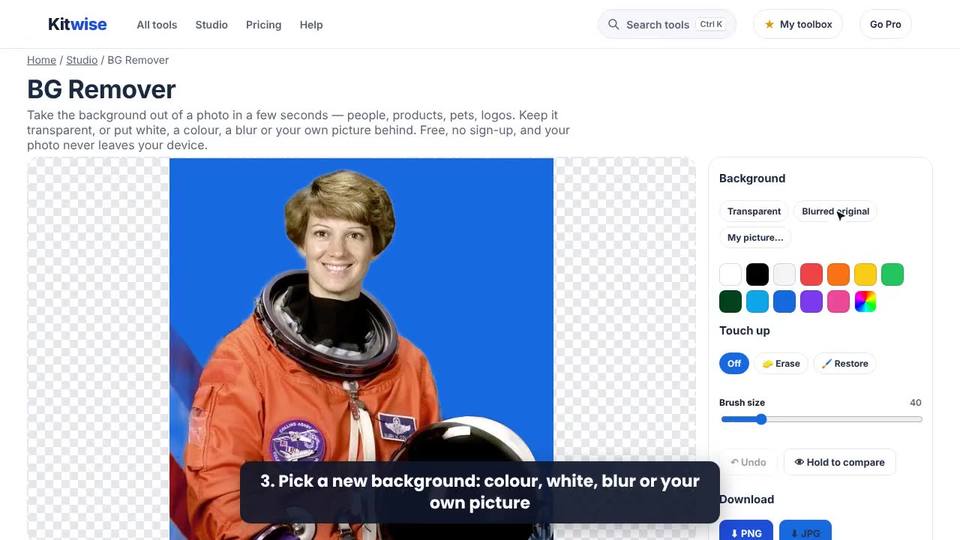 BG Remover29 s
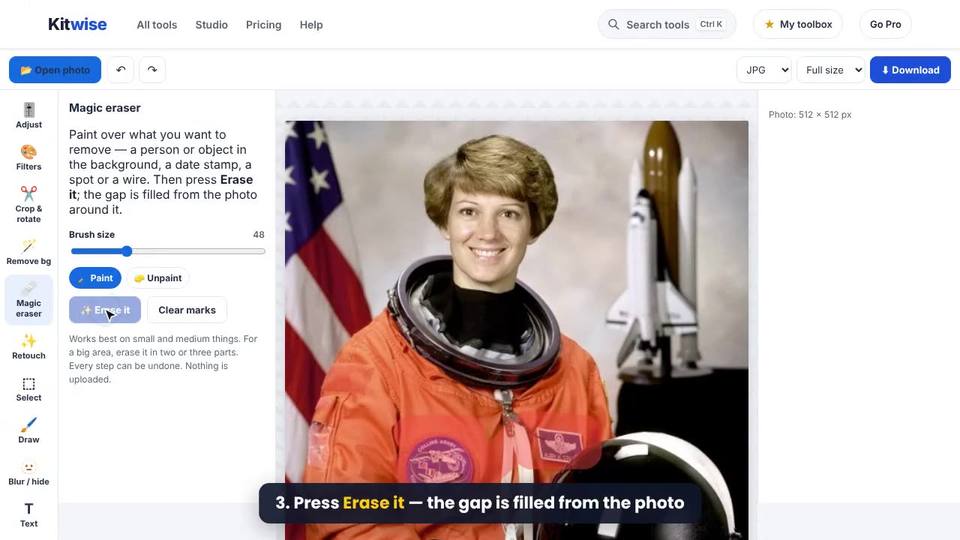 Magic Eraser25 s
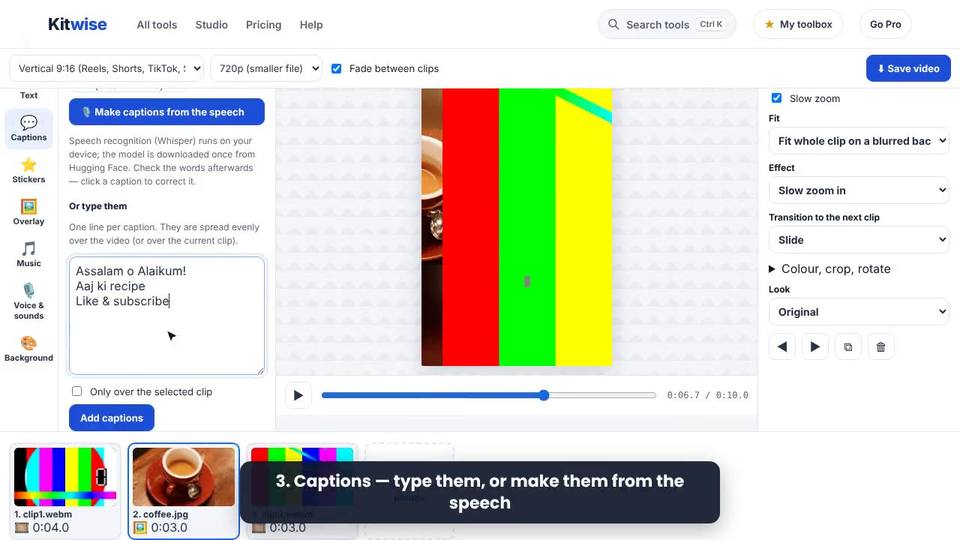 Video Studio32 s
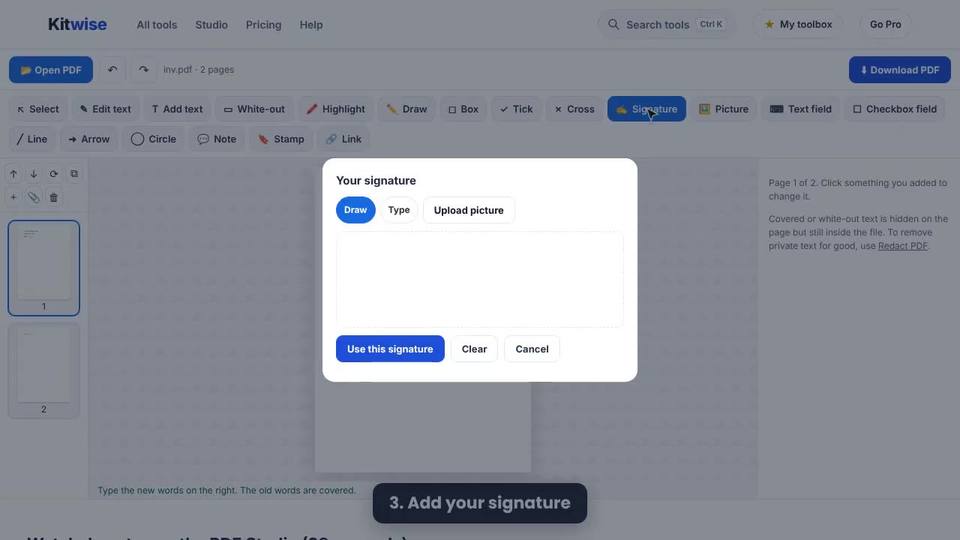 PDF Studio27 s
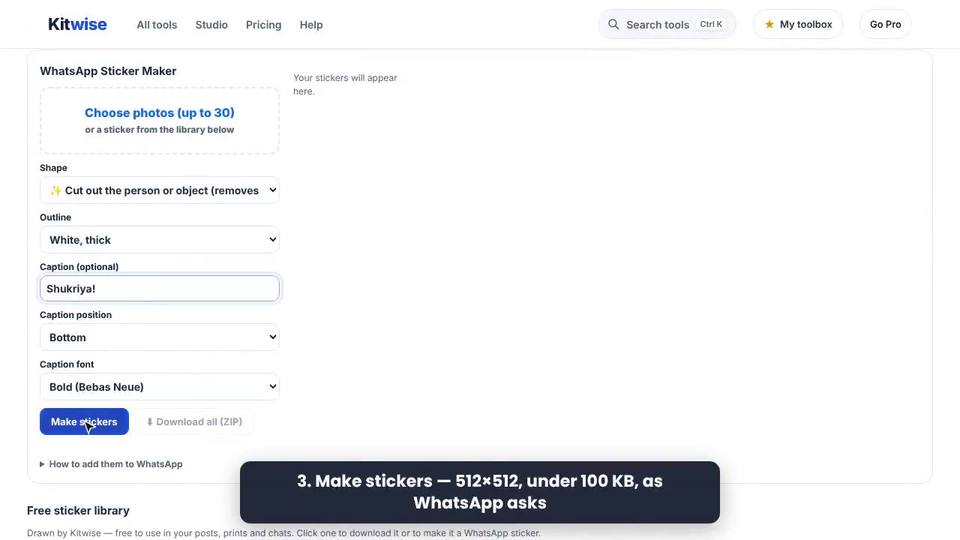 Sticker Studio18 s
 Initials Generator11 s