How to use the Video Studio
Edit videos free in your browser: join clips and photos, trim, change speed, add captions, text, stickers and music. 9:16 for Reels and TikTok. No watermark. This 32-second video shows the real tool, step by step (no sound).
What the video shows
- Pick the shape: Vertical 9:16 (Reels, Shorts, TikTok, status), Wide 16:9 (YouTube), Square or 4:5.
- Add clips and photos, then put them in order with ◀ ▶.
- Select a clip to trim, split, speed up or slow down, or change its look.
- Add Text, Captions, Stickers and Music.
- Press Save video and keep the tab open until it finishes.
Free, no sign-up. Uploaded 2026-10-31, 32 seconds, MP4.
Good to know
It runs in your browser: your files are processed on your own device and are not uploaded to Kitwise. Free, no sign-up; the free plan takes up to 40 files at a time and files up to 200 MB (500 MB for video and audio).
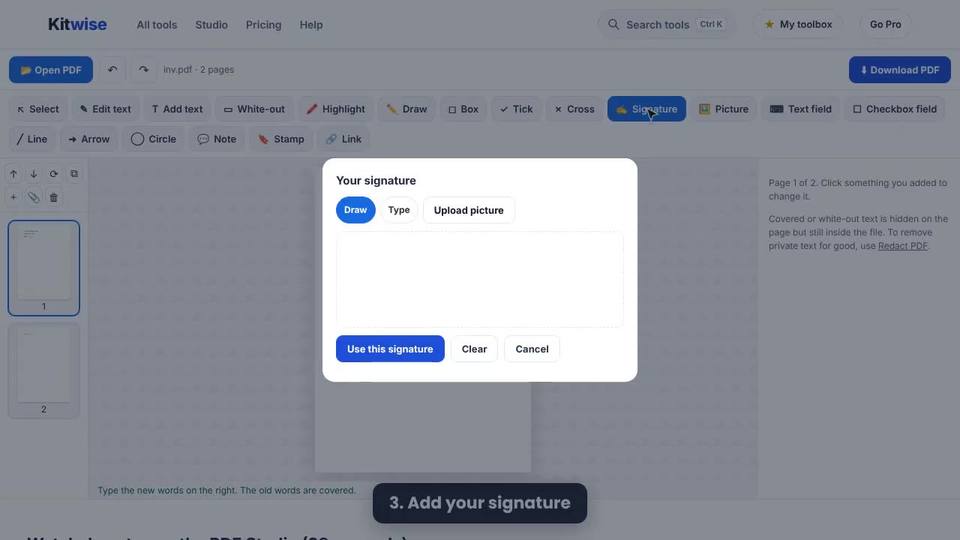 PDF Studio27 s
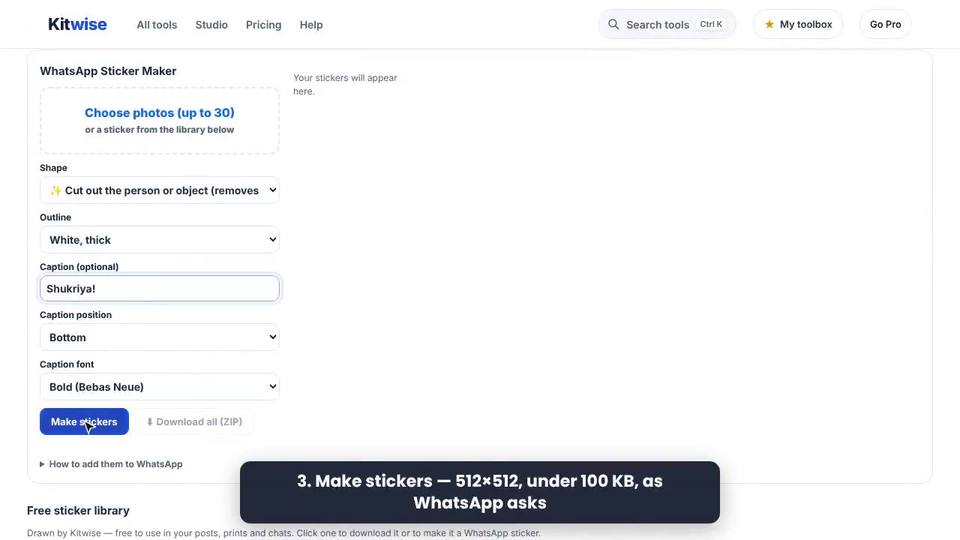 Sticker Studio18 s
 Initials Generator11 s
 Roman Numeral Converter11 s
 Add Text Watermark to Photo14 s
 Survey Sample Size Calculator13 s