How to use the Design Studio
Make Instagram posts, YouTube thumbnails, posters, logos, invitations and business cards free: 29 templates, Urdu fonts, curved text, stickers. No watermark. This 45-second video shows the real tool, step by step (no sound).
What the video shows
- Choose a size at the top (Instagram post, story, YouTube thumbnail, A4 poster, business card…) or open Templates and click one.
- Click a text to change the words, font, colour and size. Use “Curve” for round logos.
- Add more from the left: Text, Shapes, Stickers (100+), Photos (with round or heart frames) and Background (colour, gradient or picture).
- Arrange: drag to move, corners to resize, the round handle to rotate. Layers lets you hide, lock and reorder.
- Pick PNG, JPG, WebP or PDF and press Download.
Free, no sign-up. Uploaded 2026-10-31, 45 seconds, MP4.
Good to know
It runs in your browser: your files are processed on your own device and are not uploaded to Kitwise. Free, no sign-up; the free plan takes up to 40 files at a time and files up to 200 MB (500 MB for video and audio).
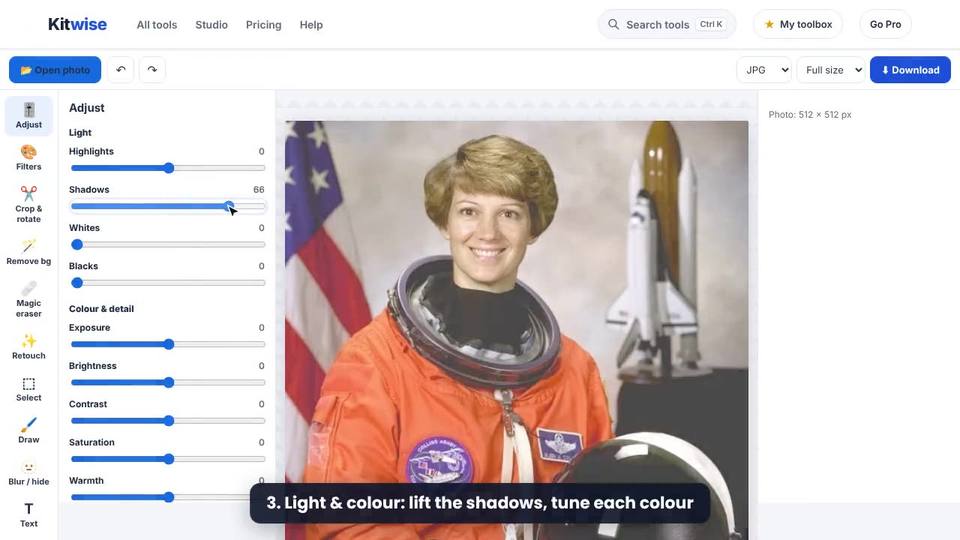 Photo Lab29 s
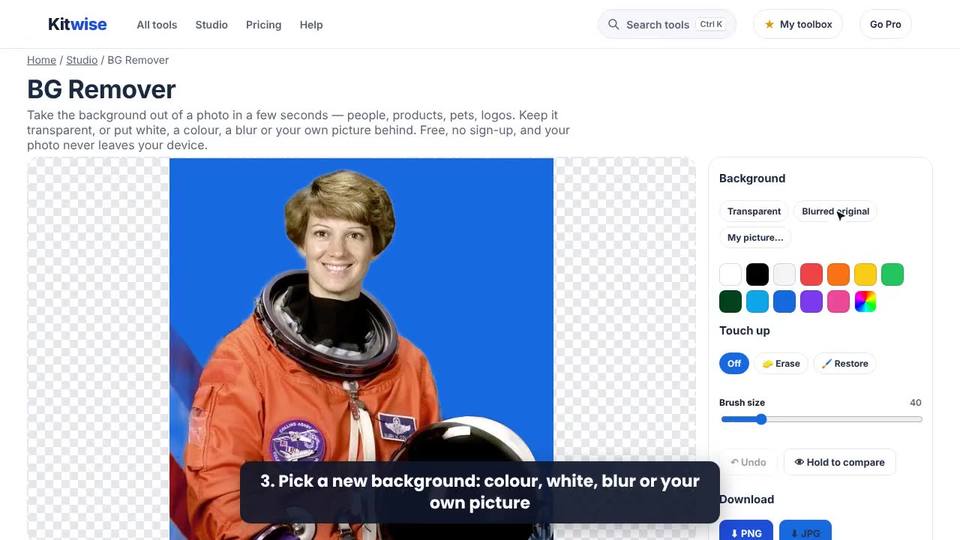 BG Remover29 s
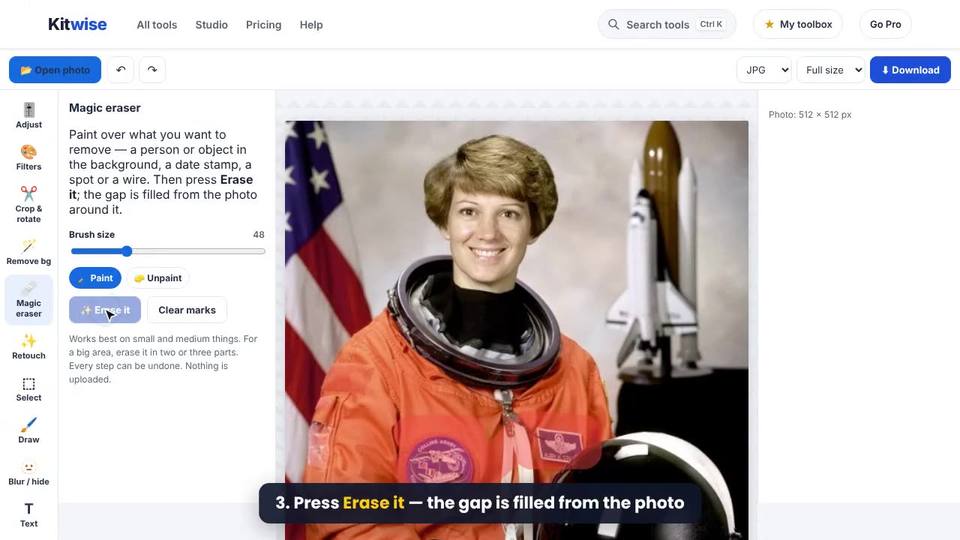 Magic Eraser25 s
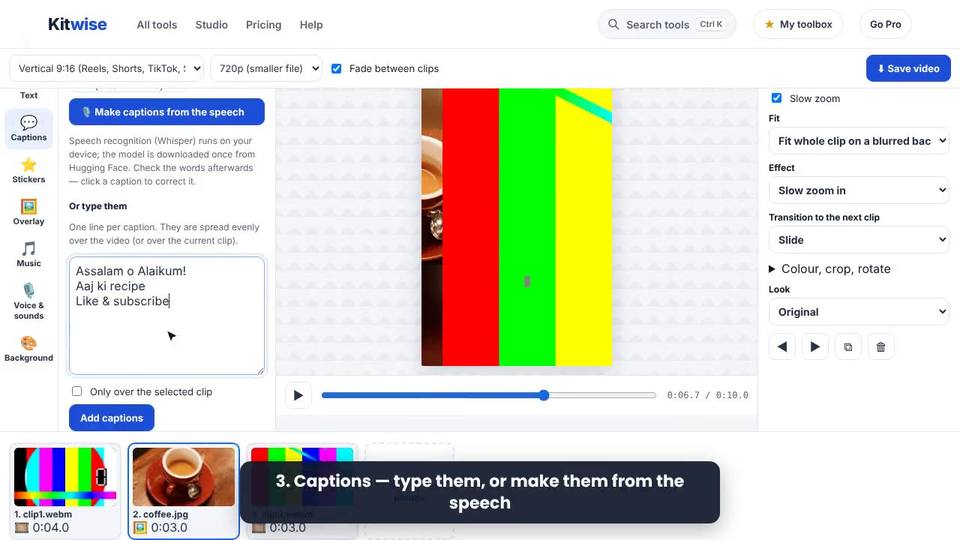 Video Studio32 s
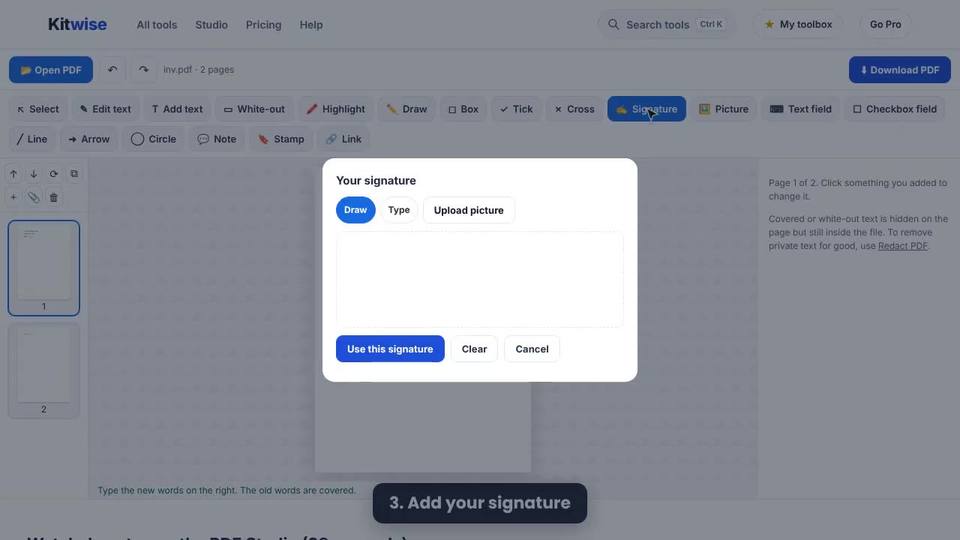 PDF Studio27 s
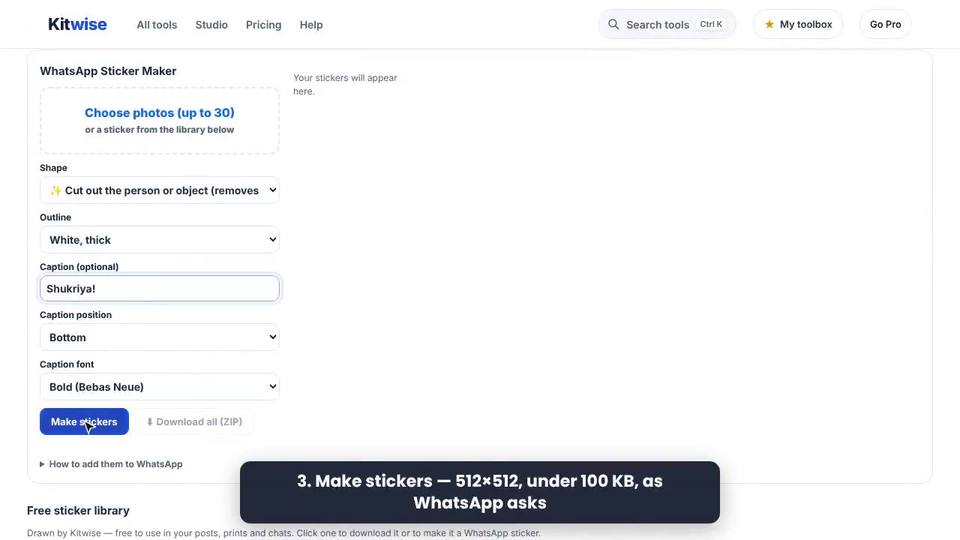 Sticker Studio18 s