How to use the Word to PDF
Turn a Word document (.docx) into a PDF. This 11-second video shows the real tool, step by step (no sound).
What the video shows
- Choose your .docx file.
- Press Run tool.
- Download the PDF and check the pages once before you send it.
Free, no sign-up. Uploaded 2026-10-31, 11 seconds, MP4.
Good to know
Turn a Word document (.docx) into a PDF that looks the same on every phone and computer: ideal for CVs, applications and assignments. The file is processed inside your browser, so it is never uploaded and nobody else sees it.
It runs in your browser: your files are processed on your own device and are not uploaded to Kitwise. Free, no sign-up; the free plan takes up to 40 files at a time and files up to 200 MB (500 MB for video and audio).
- Does it work with old .doc files?
- Open the .doc in Word or Google Docs and save it as .docx first.
- Will fonts and layout stay the same?
- Text, headings, tables, lists and pictures are laid out for you. Very unusual fonts are replaced with similar ones, so always check the result.
- Is it free?
- Yes, with no sign-up and no daily limit.
 JPG to PDF13 s
 PDF to JPG12 s
 Split PDF13 s
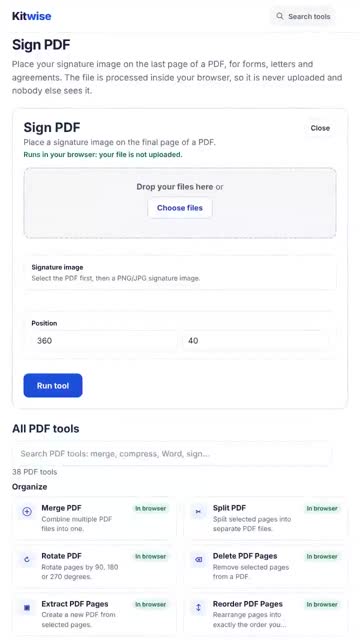 Sign PDF12 s
 Image Compressor13 s
 Compress Image to KB13 s