How to use the Case Converter
UPPER, lower, Title, Sentence, camelCase, snake_case and more. This 15-second video shows the real tool, step by step (no sound).
What the video shows
- Open the Case Converter on Kitwise; it works in the browser on a phone or a computer.
- Fill in “Input text”.
- Fill in “Convert to”.
- Press Run tool; the result appears under the button.
- Copy the result or download it. Nothing is uploaded.
Free, no sign-up. Uploaded 2026-10-31, 15 seconds, MP4.
Good to know
Change text to UPPER CASE, lower case, Title Case, Sentence case, camelCase, snake_case and more in one click, for titles, code and fixing text typed with Caps Lock on.
It runs in your browser: your files are processed on your own device and are not uploaded to Kitwise. Free, no sign-up; the free plan takes up to 40 files at a time and files up to 200 MB (500 MB for video and audio).
- What is Title Case?
- Every main word starts with a capital letter, as in a heading.
- Does it change Urdu text?
- Urdu has no capital letters, so Urdu text stays as it is.
 Password Generator11 s
 Unit Converter12 s
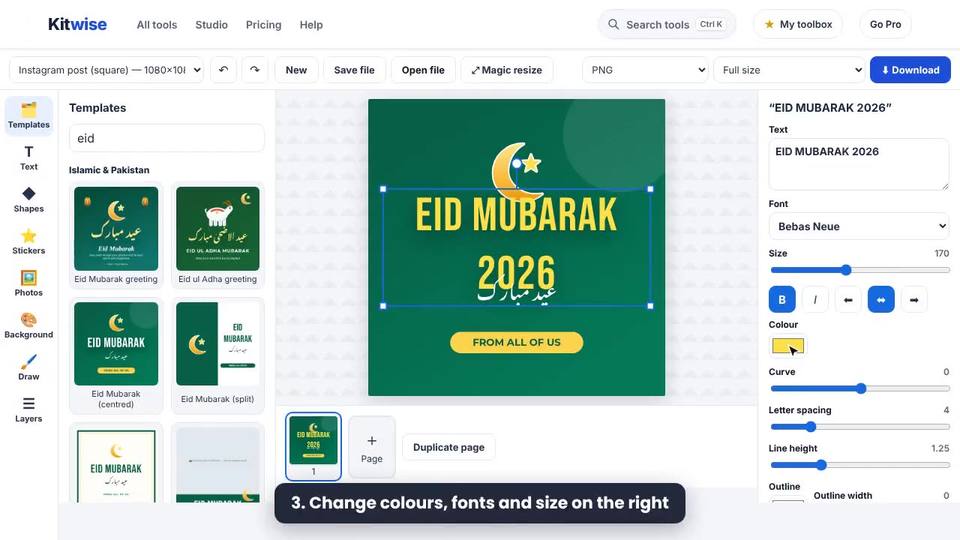 Design Studio45 s
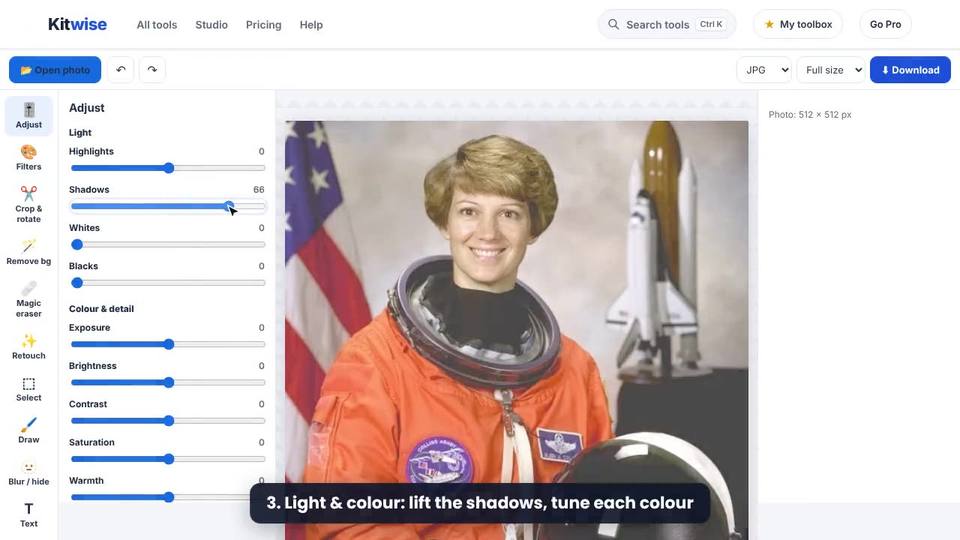 Photo Lab29 s
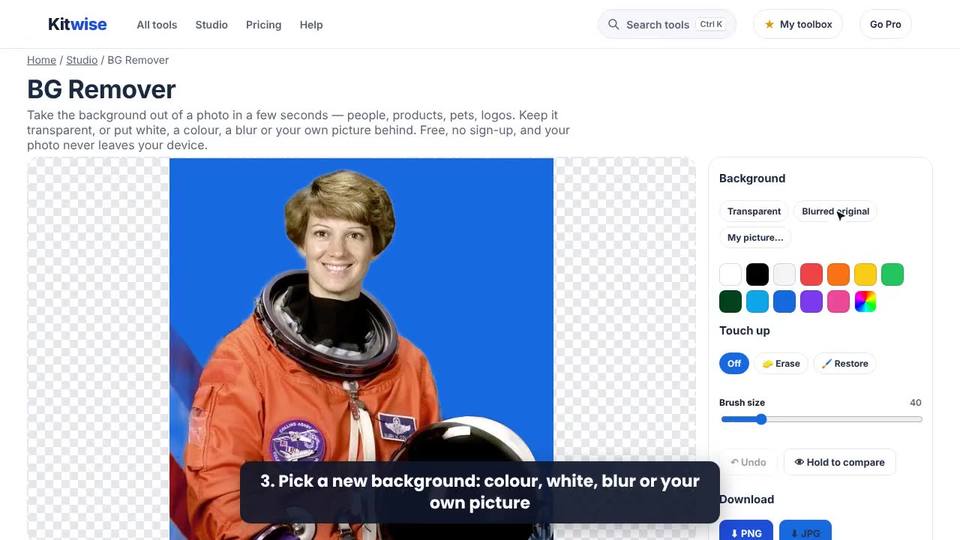 BG Remover29 s
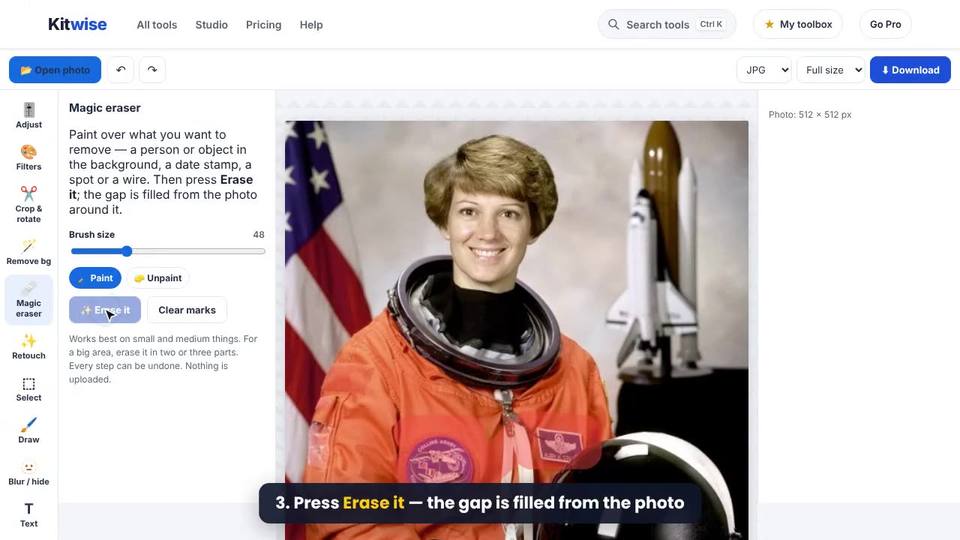 Magic Eraser25 s