How to use the Password Generator
Create strong random passwords with your browser’s secure random generator. This 11-second video shows the real tool, step by step (no sound).
What the video shows
- Open the Password Generator on Kitwise; it works in the browser on a phone or a computer.
- Fill in “Length”.
- Press Run tool; the result appears under the button.
- Copy the result or download it. Nothing is uploaded.
Free, no sign-up. Uploaded 2026-10-31, 11 seconds, MP4.
Good to know
Make strong random passwords from 8 to 128 characters with your choice of letters, numbers and symbols, using your browser's secure random generator.
Nothing is sent or saved. Keep passwords in a password manager rather than in notes or chats.
It runs in your browser: your files are processed on your own device and are not uploaded to Kitwise. Free, no sign-up; the free plan takes up to 40 files at a time and files up to 200 MB (500 MB for video and audio).
- How long should a password be?
- At least 12–16 characters; longer is safer.
- Is the password stored anywhere?
- No. It is made on your device and disappears when you leave the page.
 Unit Converter12 s
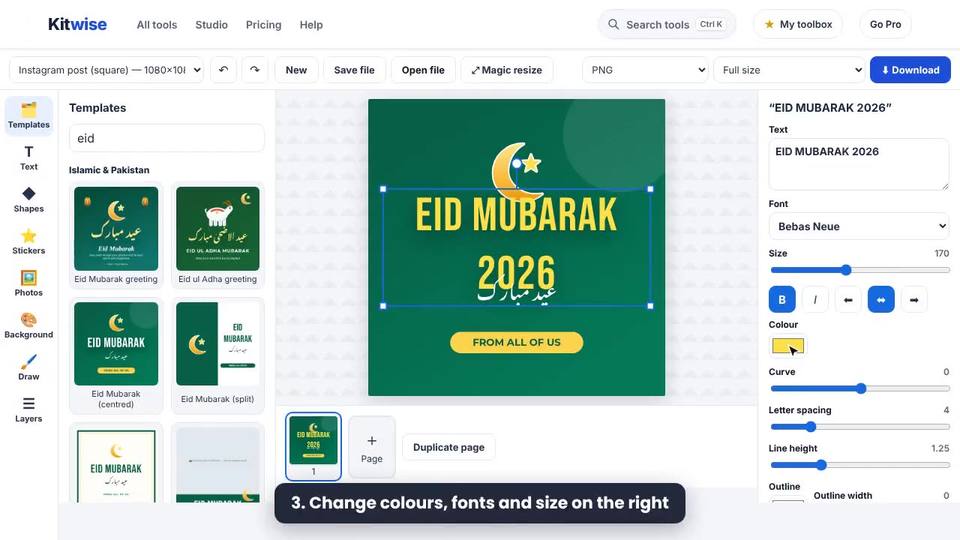 Design Studio45 s
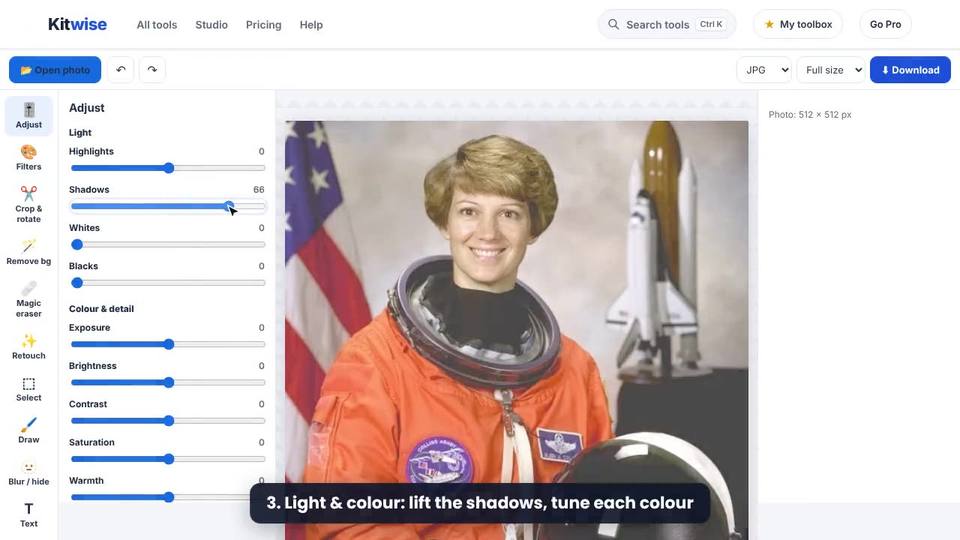 Photo Lab29 s
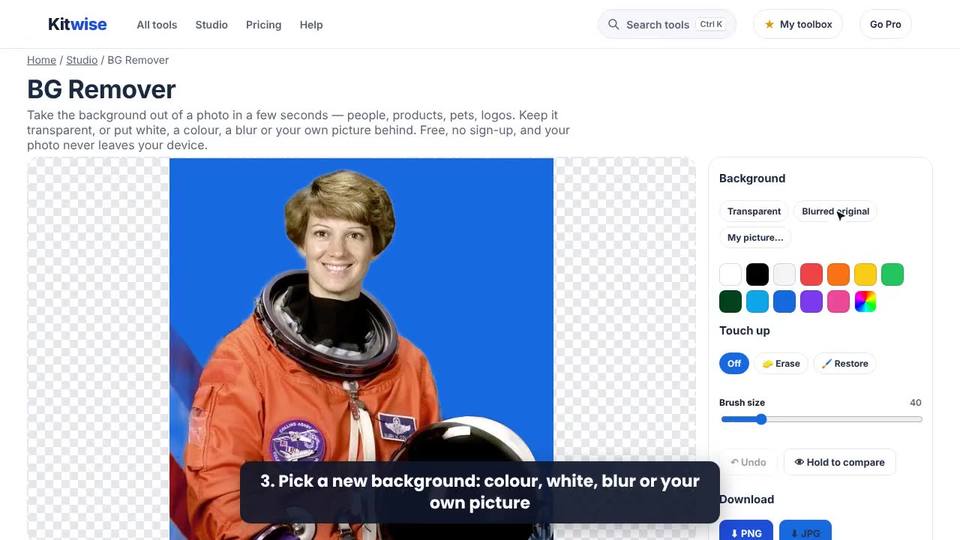 BG Remover29 s
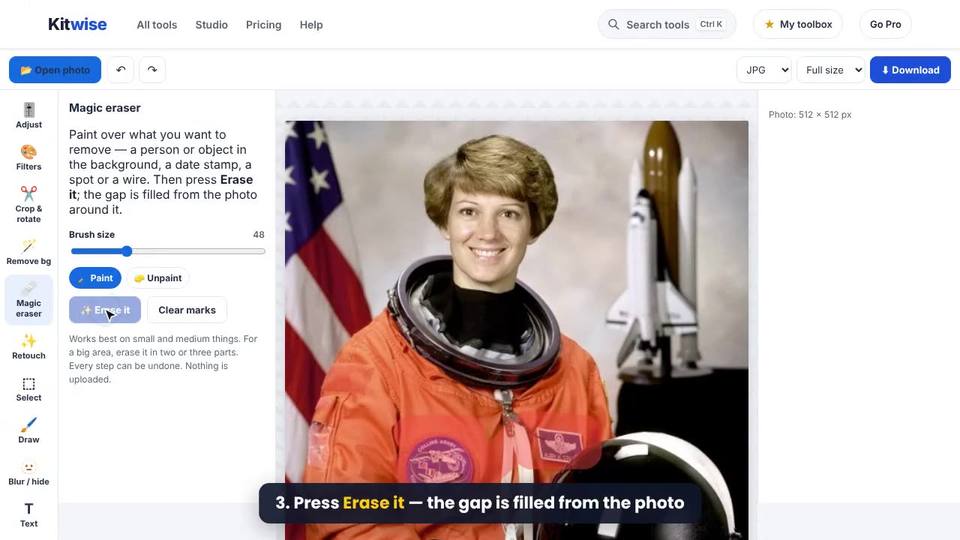 Magic Eraser25 s
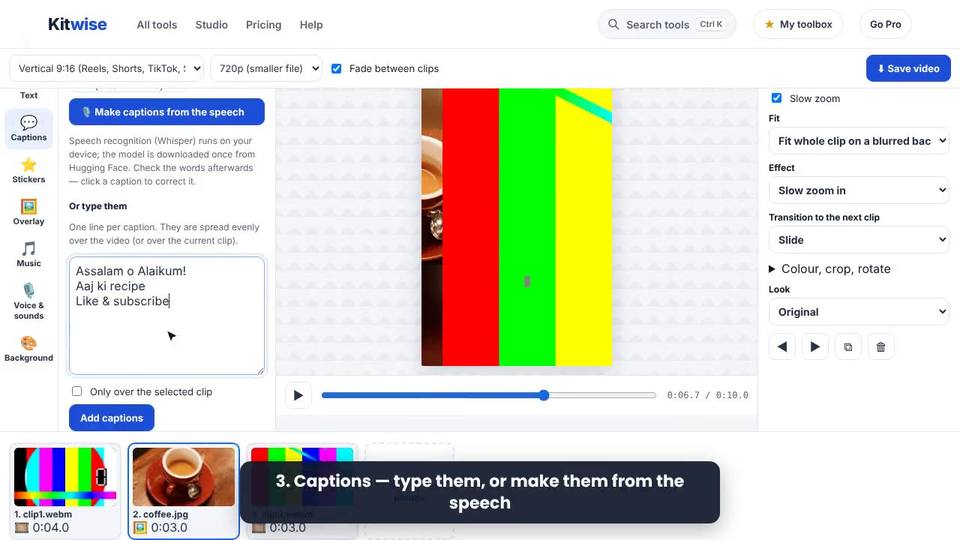 Video Studio32 s