How to use the Compress PDF
Reduce PDF size while keeping it useful and readable. This 13-second video shows the real tool, step by step (no sound).
What the video shows
- Choose the PDF.
- Pick how much smaller: the recommended setting keeps it sharp; stronger settings make it smaller.
- Press Run tool, then download the smaller PDF and check that it reads well.
Free, no sign-up. Uploaded 2026-10-31, 13 seconds, MP4.
Good to know
Make a PDF smaller so it fits email, WhatsApp or online-form upload limits, while keeping it readable. The file is processed inside your browser, so it is never uploaded and nobody else sees it.
It runs in your browser: your files are processed on your own device and are not uploaded to Kitwise. Free, no sign-up; the free plan takes up to 40 files at a time and files up to 200 MB (500 MB for video and audio).
- How much smaller will it get?
- It depends on the file. Scans and photos shrink most; PDFs that are mostly text are already small.
- A form needs under 1 MB or 2 MB.
- Compress it here; if it is still too big, split it, or compress the scanned photos before making the PDF.
- Is my document safe?
- Yes. It never leaves your device.
 Word to PDF11 s
 JPG to PDF13 s
 PDF to JPG12 s
 Split PDF13 s
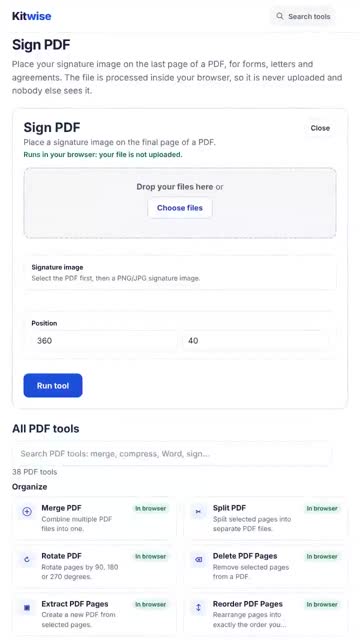 Sign PDF12 s
 Image Compressor13 s